Claim-Ready Records
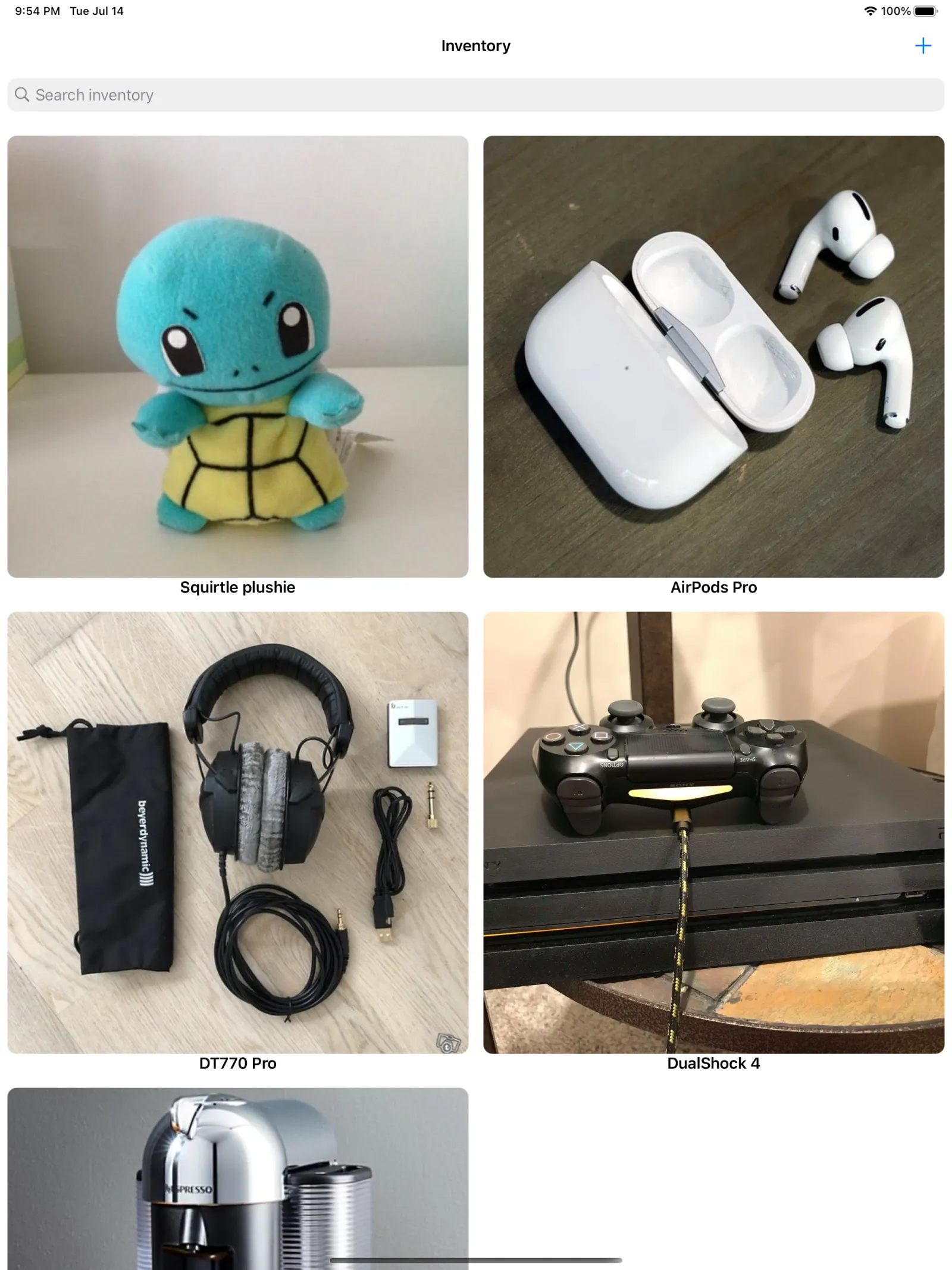
Each item carries a photo, purchase price, date, and a scanned receipt — a clear record of what you own and what it's worth when an adjuster asks.
open /Applications/Master\ of\ Inventory.app

Warranty
Be ready before the claim, not after it
Photograph, value, and receipt-back everything you own. When a fire, theft, or return hits, the proof is already there — one tap away, not a frantic search through drawers.
./masterofinventory --screenshots
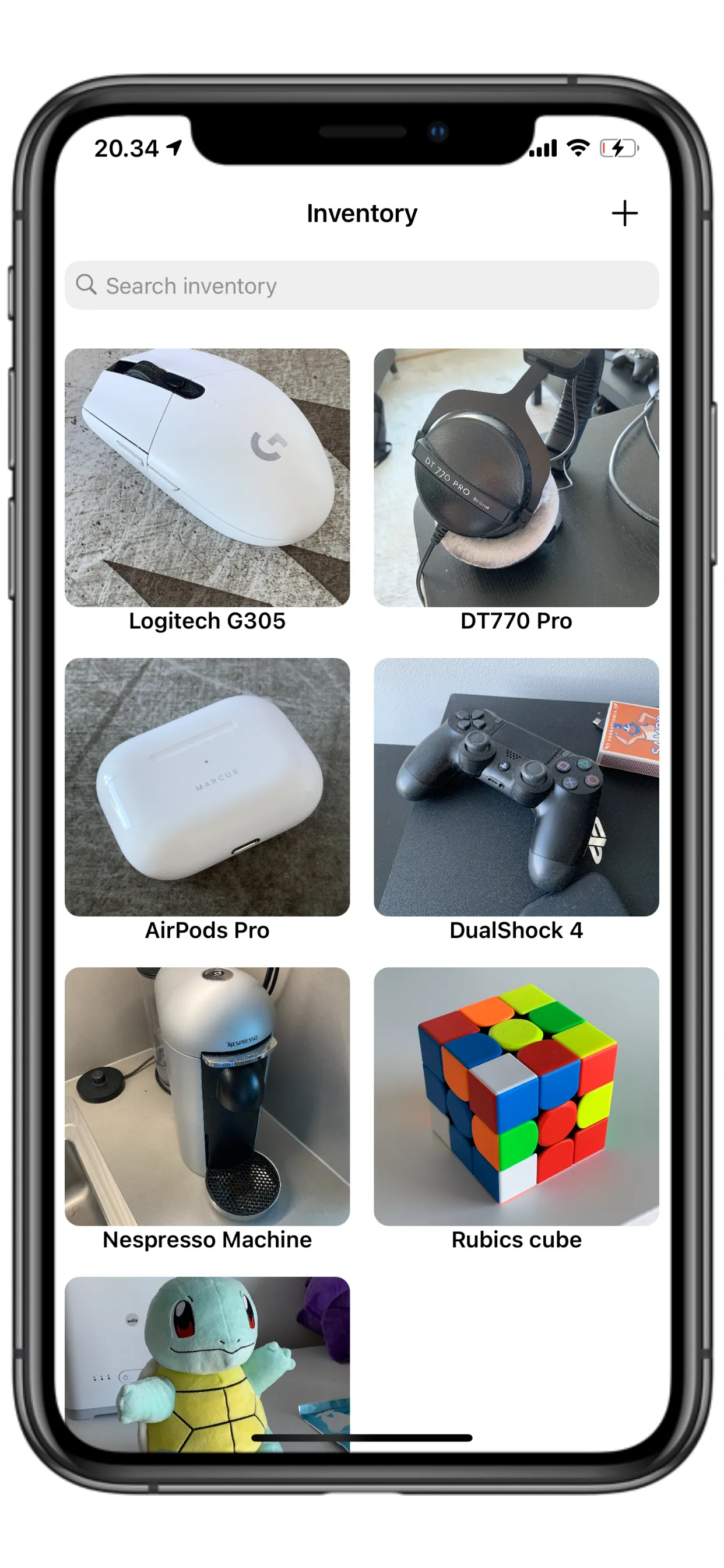
Your belongings, room by room
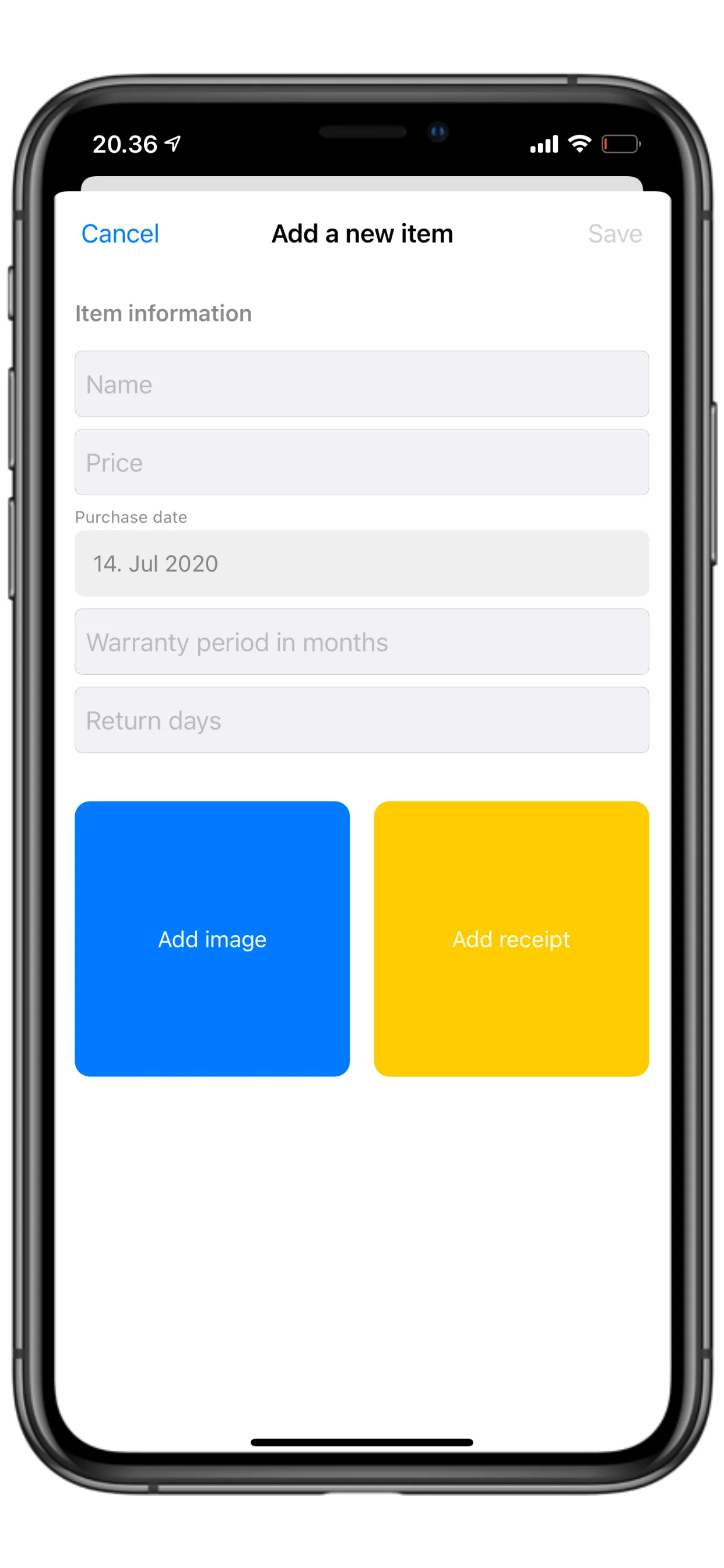
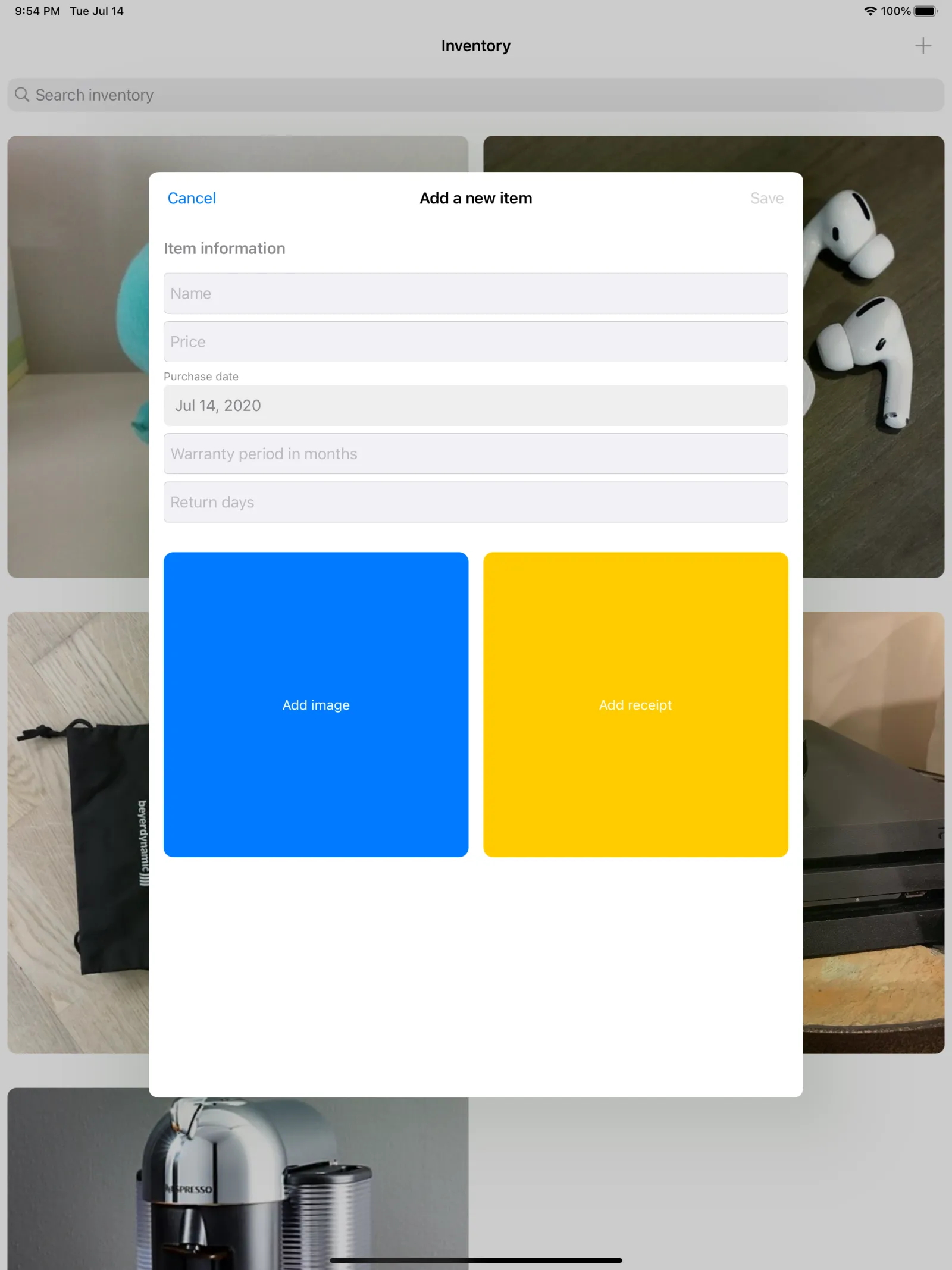
Add an item with photo and receipt
swipe to see more →
cat masterofinventory/FEATURES.md
Photograph, value, and receipt-back everything you own. When a fire, theft, or return hits, the proof is already there — one tap away, not a frantic search through drawers.
Each item carries a photo, purchase price, date, and a scanned receipt — a clear record of what you own and what it's worth when an adjuster asks.
Keep warranty expirations and online-return windows next to each item, so you get ahead of deadlines instead of losing money to the ones you forgot.
The built-in document scanner makes clean receipt copies. Snap the item, attach the receipt, and the entry is done in under a minute.
Sort room by room and by your own categories like Electronics or Kitchen. Search and filter your whole catalog instantly.
Records live on your device with Apple's Core Data. No third-party servers, no data mining — just your records, yours alone.
Export a PDF report with photos, prices, and dates for your insurer, or a CSV spreadsheet for your own files — ready to hand over when it counts.
man masterofinventory
Snap a photo of the item, scan its receipt, and add the price and purchase date.
File it by room and category, and note the warranty or return deadline you care about.
When you need proof, share an item or pull a full PDF or CSV report in a couple of taps.
less masterofinventory/README
Disaster doesn't wait for you to find the receipt. Photograph, value, and receipt-back everything you own now — so an insurance claim, a warranty, or a return is one tap away, not a frantic search.
Master of Inventory turns your belongings into a documented record that actually holds up: every item with a photo, purchase price, date, and scanned receipt, plus warranty and return deadlines tracked for you. Built for the household that wants to be ready before a fire, theft, flood, or move — not after.
• Photograph each item with its purchase price and date
• Attach scanned receipts as proof of ownership and value
• Produce a clear, defensible record of what you own and what it's worth
• Organize room by room and by your own custom categories
• Track warranty expirations and get ahead of them
• Watch online-return windows so refunds don't slip away
• Keep receipts and coverage details together with each item
• Stop losing real money to deadlines you forgot
• Built-in document scanner for clean receipt copies
• Snap item and receipt photos for complete records
• Search and filter your whole catalog instantly
• Share an item or receipt in a couple of taps
• Stored locally with Apple's Core Data
• Optional iCloud sync across your iPhone, iPad, and Mac
• No third-party servers, no data mining — just your records, yours alone
• Homeowners and renters documenting belongings for insurance
• Anyone tracking warranties and purchase dates
• Collectors cataloging valuables
• Small businesses keeping an asset record
• People mid-move who need an inventory fast
Start with the things that matter most — your most valuable items, your newest purchases, anything still under warranty — and build from there. Five minutes today can save a claim, a refund, and a lot of stress later.
Document what you own. Be ready before you need to be.
./masterofinventory --faq
The app is free and documents up to 50 items. Pro unlocks unlimited items plus PDF and CSV export — $2.99 per month, $19.99 per year (with a one-week free trial), or $39.99 once for lifetime access.
Yes. The yearly Pro subscription includes a one-week free trial, and the free tier lets you document up to 50 items at no cost.
Your records are stored locally on your device with Apple's Core Data. There are no third-party servers and no data mining. Optional iCloud sync keeps your inventory current across your devices using your own iCloud account.
Yes. Capturing items, scanning receipts, and browsing your catalog all work without a connection. iCloud sync catches up the next time you're online.
iPhone and iPad running iOS 14 or later. With iCloud sync enabled, your inventory stays in step across the devices signed into your iCloud account.
Yes. Pro exports a PDF report with photos, prices, and dates, plus a CSV spreadsheet — ready to hand to an adjuster or keep for your own records.
Yes. You can record warranty expirations and online-return windows per item and keep them alongside the item, so deadlines stay in view instead of passing you by.
Purchases and subscriptions are handled by Apple. Refund requests go through Apple's standard process at reportaproblem.apple.com, and you can manage or cancel a subscription anytime in your App Store settings.
Free for up to 50 items; Pro unlocks unlimited items and PDF/CSV export via subscription ($2.99/mo or $19.99/yr with a one-week free trial) or a one-time $39.99 lifetime purchase.
ls ~/apps