Search By Meaning
Type what the symbol should do, like "a play button for media," and get ranked suggestions that fit your intent instead of literal string matches.
open /Applications/SForesight.app

SF Symbols Search
The symbol you mean, not the one you typed.
Describe an SF Symbol in plain language and SForesight ranks the closest matches in seconds, then hands you the exact name to paste into your code. A native macOS app for Apple-platform developers and designers.
./sforesight --screenshots
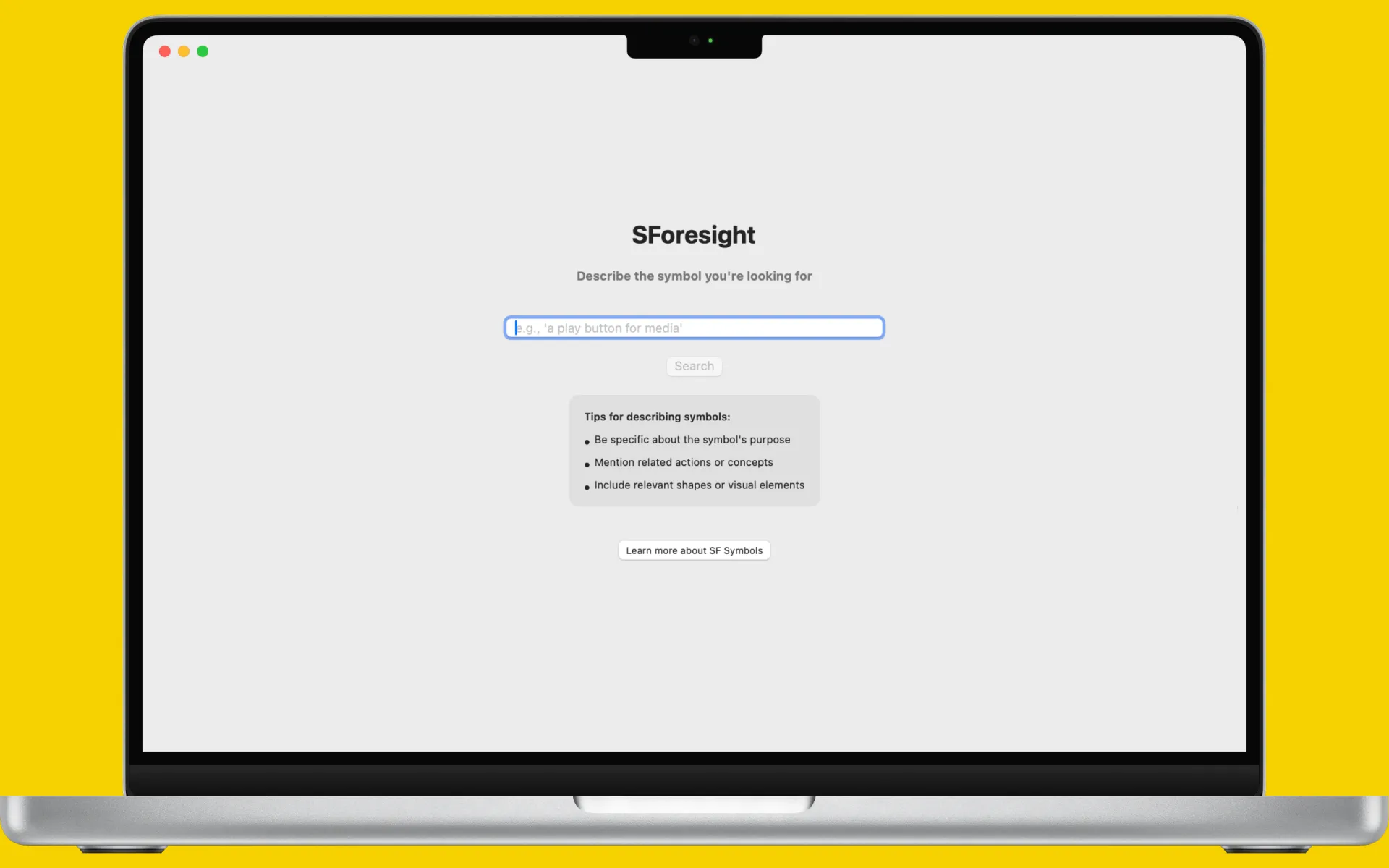
Describe the symbol you need
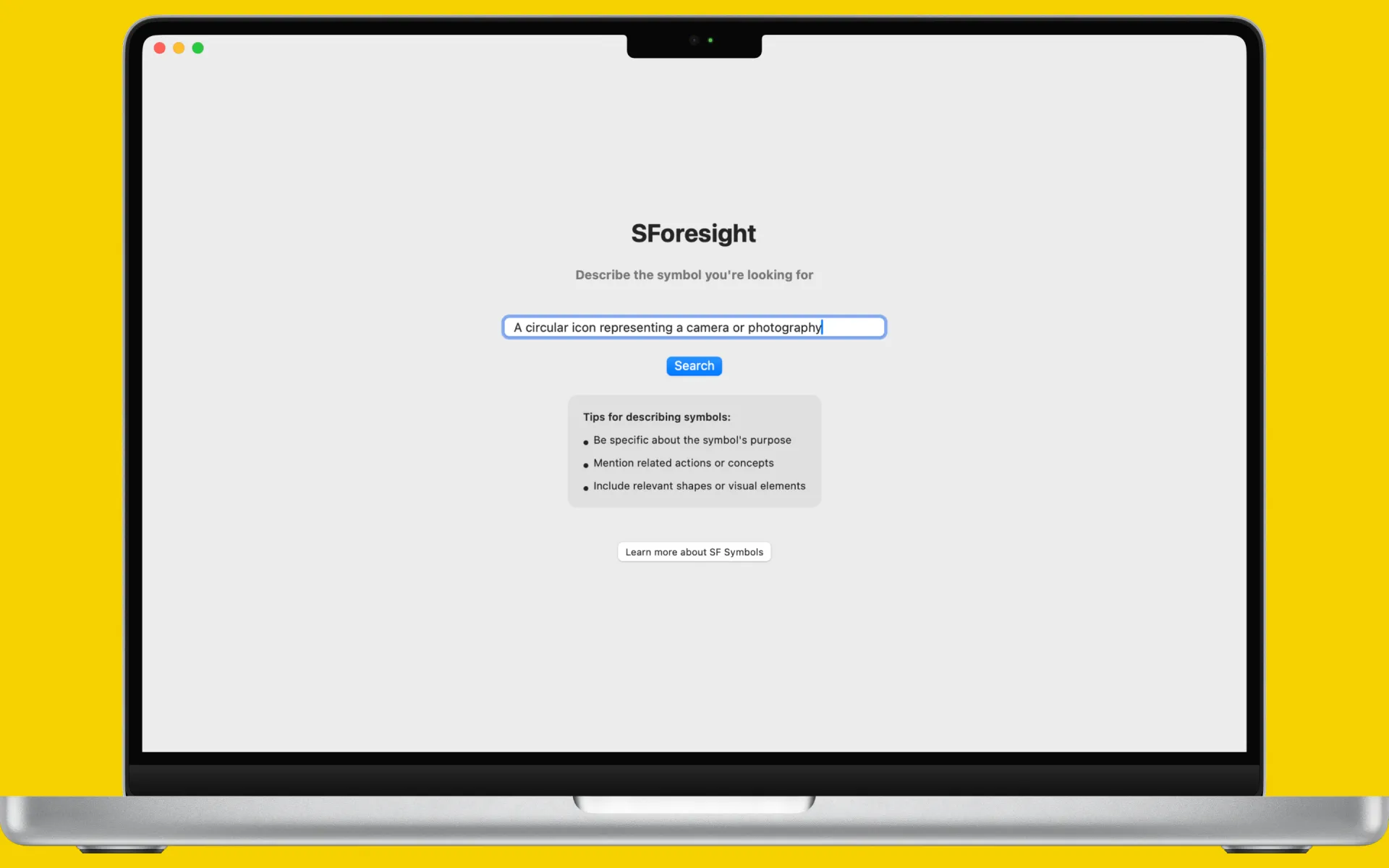
Plain-language search field
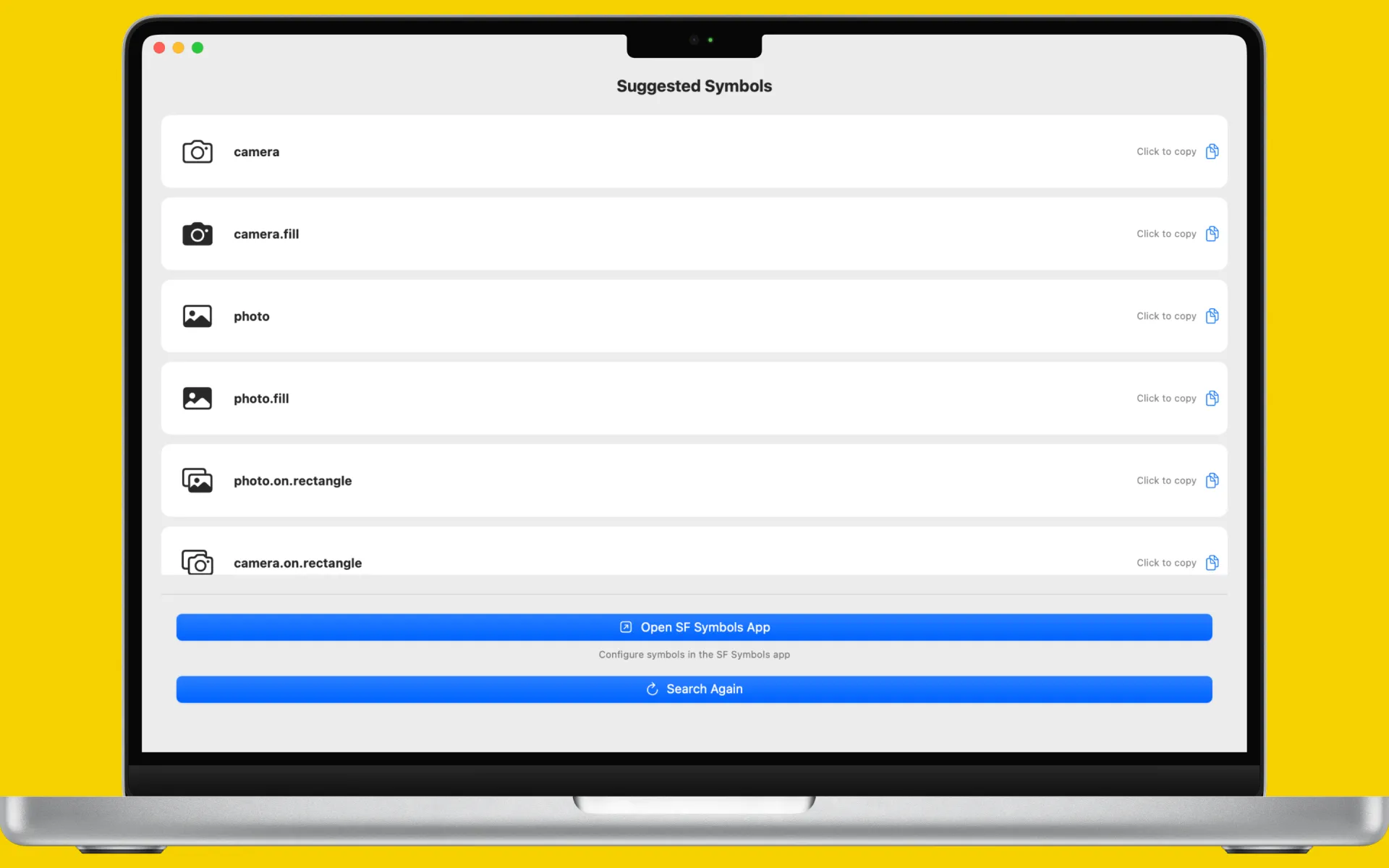
Ranked matches with rendered glyphs
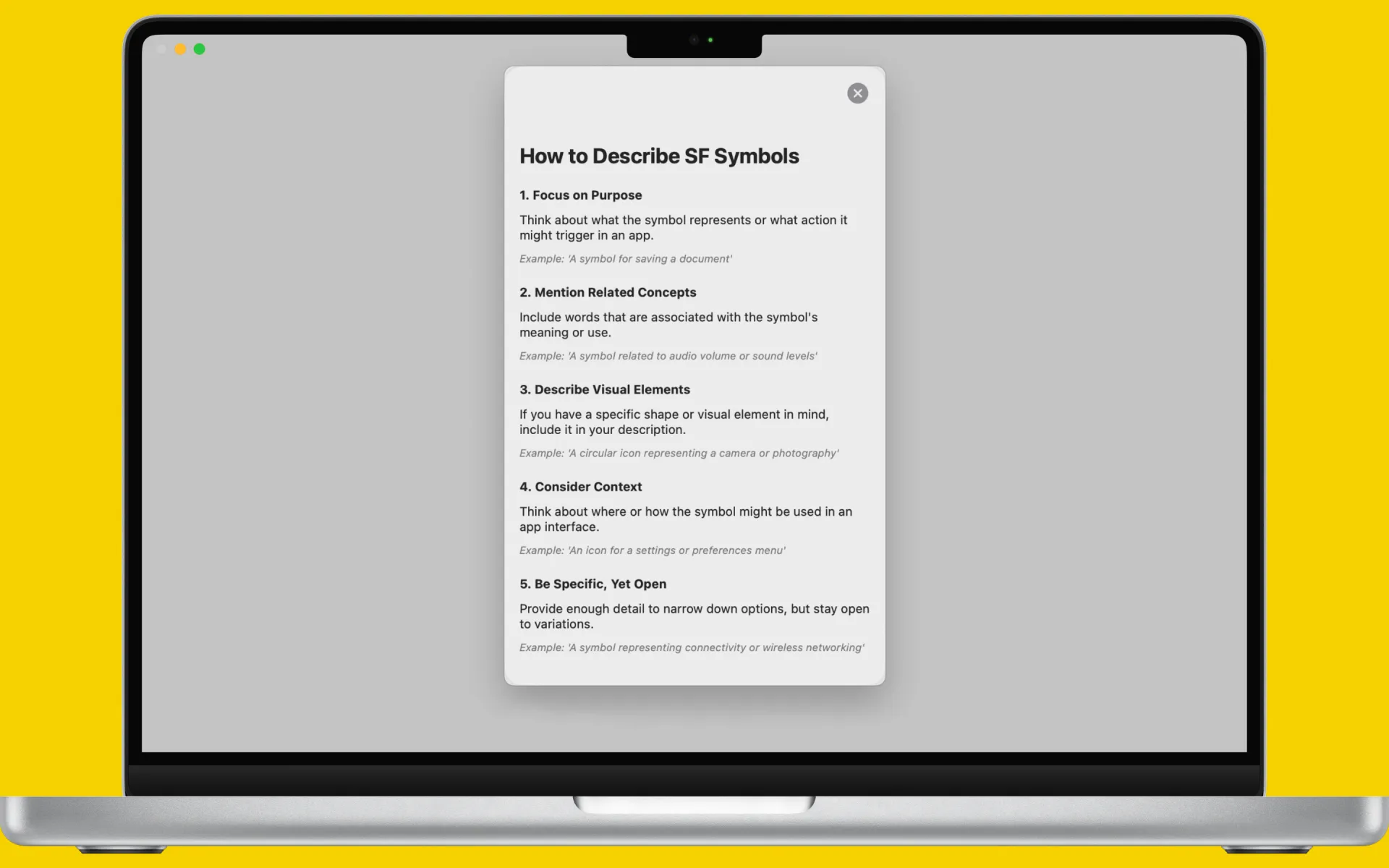
Click any result to copy its name
Open or download the SF Symbols app
tap a screen to enlarge · swipe to see more → click a screen to enlarge
cat sforesight/FEATURES.md
Describe an SF Symbol in plain language and SForesight ranks the closest matches in seconds, then hands you the exact name to paste into your code. A native macOS app for Apple-platform developers and designers.
Type what the symbol should do, like "a play button for media," and get ranked suggestions that fit your intent instead of literal string matches.
Every suggestion is checked against the SF Symbols catalog, so the name you copy exists and renders. No guesses, no typos.
Click any result to copy its exact symbol name to the clipboard. Paste it into a Swift, SwiftUI, or UIKit file with no retyping.
Each match shows the glyph next to its name, so you pick the right one at a glance and keep your interface consistent.
SForesight detects the SF Symbols app, opens it for deeper configuration, or links you to download it if it is not installed.
A single $9.99 purchase. No subscription, no ads, no upsells inside the app.
man sforesight
Type what you need in plain words, such as "wireless connectivity" or "a settings menu icon."
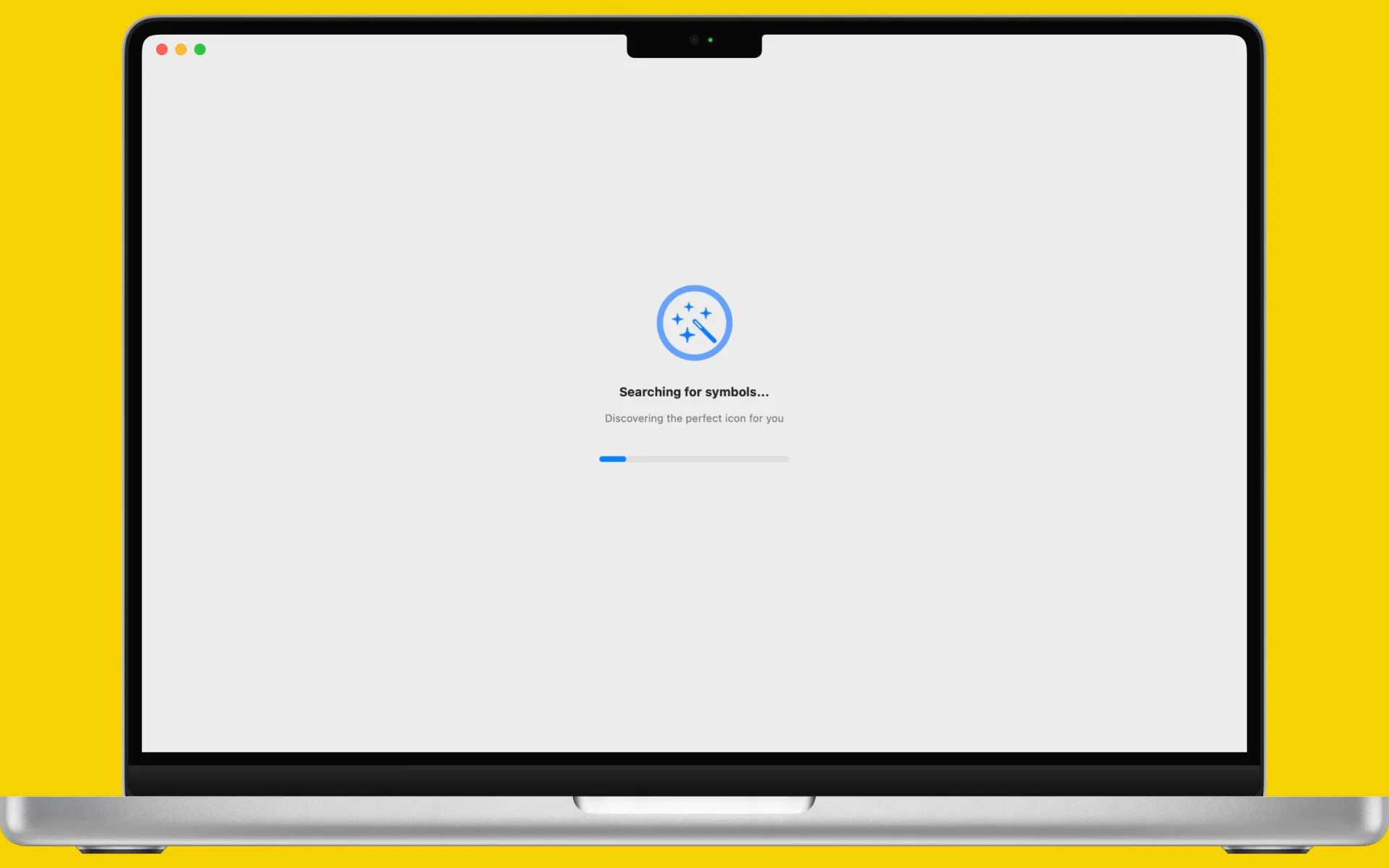
SForesight ranks the closest SF Symbols and shows each glyph beside its real name.
Click the match you want and paste the exact symbol name into your code.
less sforesight/README
The symbol you mean, not the symbol you typed. Describe a concept and on-device machine learning finds the right SF Symbol in seconds.
SForesight is a native macOS tool for Apple-platform developers and designers who reach for SF Symbols every day. Apple's own browser makes you guess the exact name and scroll. SForesight understands what you mean, ranks the closest matches, and hands you the copy-ready name for your code.
On-device ML maps your intent to the right glyph. Type an idea, get ranked suggestions that actually fit, not just literal string matches.
Ranked results appear as you type, so you spend seconds per lookup instead of minutes scrolling a giant grid.
Surface related symbols at a glance and keep your interface coherent across screens and platforms.
Grab the exact symbol name with a single click and paste straight into SwiftUI, UIKit, or any Swift file. No typos, no retyping.
A clean, fast, native macOS app that respects your workflow. Everything runs on your device, so your searches stay private.
- Semantic search that reads intent, not just spelling
- Ranked, relevant suggestions in seconds
- Related-symbol discovery for consistent design
- Copy-paste-ready names for Swift, SwiftUI, and UIKit
- One-time purchase, no subscription, no ads, fully offline
- iOS, iPadOS, macOS, watchOS, visionOS, and tvOS developers
- SwiftUI and UIKit builders
- UI and UX designers working in the Apple ecosystem
Stop hunting for the right glyph. Describe it, copy it, ship it.
Buy once and own it. No subscription, ever.
-
SForesight is an independent app and is not affiliated with, endorsed by, or sponsored by Apple Inc. SF Symbols is a trademark of Apple Inc. Symbols are used in-app under Apple's SF Symbols license.
./sforesight --faq
It is a one-time purchase of $9.99 on the Mac App Store. There is no subscription and no ads.
No. You pay once and own the app. There are no recurring charges and nothing locked behind extra purchases.
You describe the symbol in plain language. SForesight interprets your intent, then validates every suggestion against the SF Symbols catalog so you only see names that exist.
Yes. SForesight sends your description to a hosted model to rank suggestions, so you need to be online to search. It detects when you go offline and retries automatically once the connection returns.
The copied names work anywhere SF Symbols do, including SwiftUI and UIKit across iOS, iPadOS, macOS, watchOS, visionOS, and tvOS projects.
SForesight runs natively on macOS 14.7 and later.
Refunds are handled by Apple through the App Store. You can request one using Apple's standard "Report a Problem" process.
No. SForesight is an independent app and is not affiliated with or endorsed by Apple. SF Symbols is a trademark of Apple Inc.
One-time $9.99 purchase on the Mac App Store, with no subscription and no ads.
ls ~/apps